Softer light.
Same bulbs.
Everyday dimmable cans and recessed lights can join in. A compatible smart dimmer does the work—no smart bulb in every socket.
 HomeFlux
PUT YOUR EVENING ON AUTOPILOT
Stop doing the nightly dimmer round. HomeFlux lowers your home’s brightness limit after sunset—using the lights and smart dimmers you already own.
 Get Home Assistant setup Free & open source. No subscription.
 iPhone + Apple Home Coming soon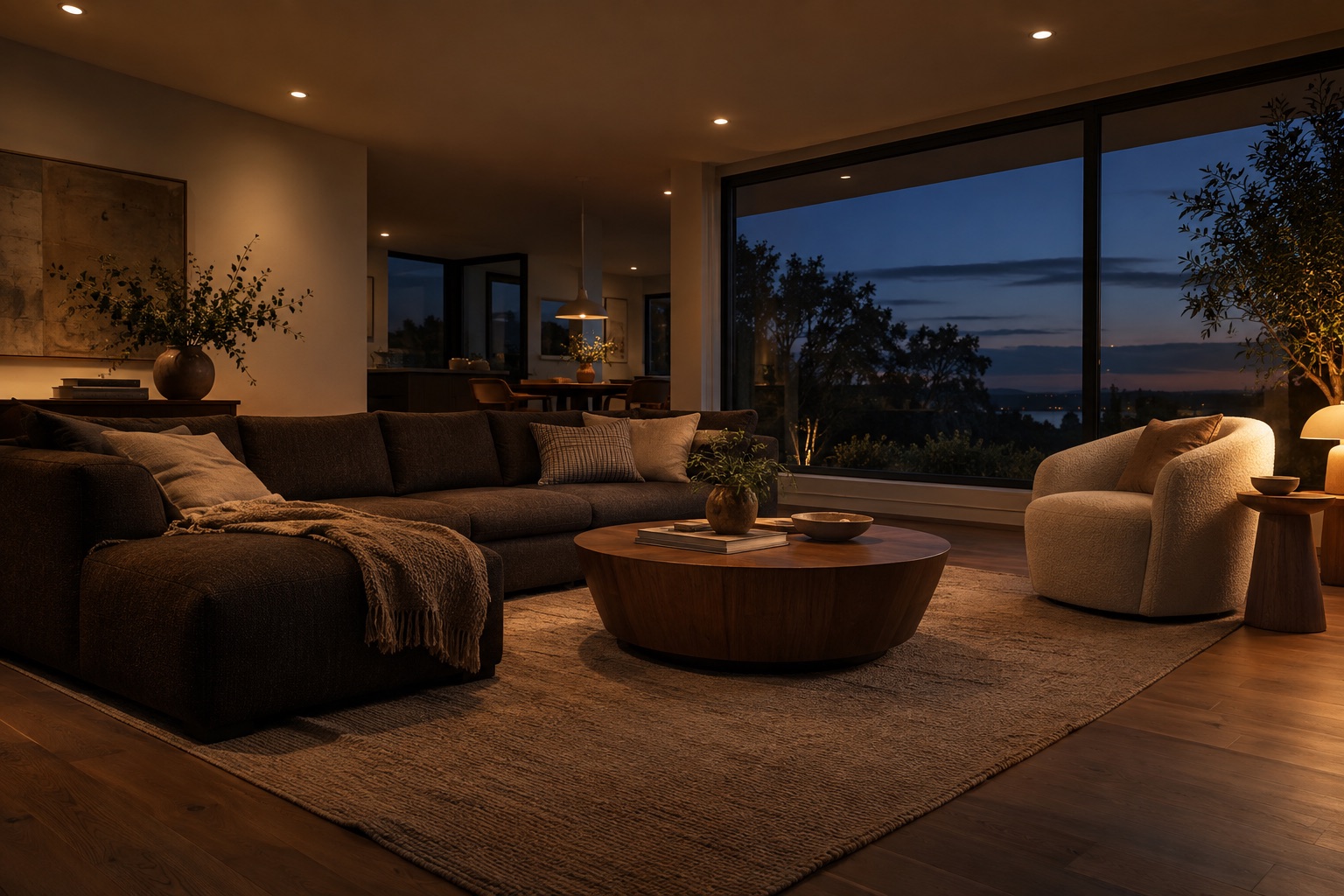
Drag to feel the difference. Lighting illustration.
ONE LESS THING TO THINK ABOUT
That bright kitchen made sense at dinner. A little later, it feels like too much. HomeFlux brings the brightness limit down as the evening goes on, without another trip to every switch.
Brighter lights come down as the limit falls. Lights already below it stay at their lower level.
Everyday dimmable cans and recessed lights can join in. A compatible smart dimmer does the work—no smart bulb in every socket.
Set an offset from sunset and your bedtime. Sunset tracks the calendar, so you don’t have to keep moving the schedule.
Choose a level that works for your household. Adjust it, pause it, and use feedback to find your evening sweet spot over time.
 IPHONE + APPLE HOME · COMING SOON
Watch the sun’s path and your brightness limit move together. Pick your rooms, set your bedtime brightness, and let your home hub handle the evening.
Start with a room or bring the whole house along.
Try a 10-second live dimming test in selected rooms.
Use “Feels right” feedback to build a personal brightness suggestion.
$0.99 one-time purchase
For compatible Apple Home dimmers with a connected HomePod or Apple TV home hub.
A SOFTER EVENING STARTS HERE
Native dimming controls. Your choice of hardware.
AVAILABLE NOWFree & open source
Automatic sunset dimming, an adjustable brightness limit, and a phone-friendly dashboard.
You’ll need Home Assistant and lights or dimmers that support brightness control.
Get setup instructionsOn GitHub · MIT licensed · No subscription
$0.99 one-time purchase
Your rooms, evening settings, and personal brightness feedback in one iPhone app.
You’ll need compatible Apple Home dimmers and a connected HomePod or Apple TV home hub.
Explore the iPhone appApp Store release coming soon
A FEW GOOD QUESTIONS
No. Ordinary dimmable bulbs and recessed lights work with a compatible smart dimmer. You can also use supported dimmable smart lights. Check that your dimmer and bulbs work together.
HomeFlux uses native Home Assistant and Apple HomeKit controls, with no brand-specific hardware required. It is designed for any supported dimming product with the required controls: brightness in Home Assistant, or brightness, power state, and change notifications in HomeKit. We haven’t individually tested or certified every brand.
HomeFlux focuses on brightness. Apple Adaptive Lighting adjusts color temperature on supported lights. With HomeFlux, ordinary fixed-color bulbs dim; warm-dim bulbs may also become warmer naturally.
Yes. Sunset is calculated for your location as the seasons change. You choose a sunset offset and a fixed bedtime. Home Assistant calculates a continuous ceiling; HomeKit uses five steps that wait for sunset. If sunset is after bedtime, HomeKit starts at the final ceiling at sunset.
Absolutely. Set your own brightness limit and pause whenever you need to. Home Assistant supports live setting changes and an evening pause. In the iPhone app, pause lasts until you resume; updating an installed schedule requires removing and reinstalling its rules.
It is designed to lower lights that are on and above the current limit. Home Assistant leaves off lights and already-dimmer lights alone. HomeKit checks a light before dimming it; a switch-off at exactly the same moment can occasionally race that adjustment.
You give the feedback; you approve the suggestion. Home Assistant suggests a sunset offset from manual start times. The iPhone app suggests a brightness limit from your “Feels right” feedback after five evenings. It won’t apply a learned change without your choice.
MADE AT OBLIQUE RESEARCH
It started with our own evening dimmer routine. Now we’re sharing a simpler way to let the day settle.
Meet Oblique Research